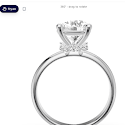
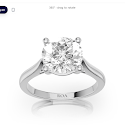
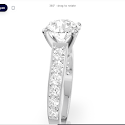
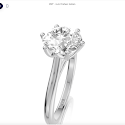
Photoreal 3D jewelry from your CAD files, ready for your store

One upload gives you an interactive 3D viewer and AR ring try-on. Paid plans add an embed for your site or Shopify store.

Free plan, no credit card, runs in your browser.

Accepts 3DM, GLB, GLTF, STL, OBJ, FBX, DAE and PLY files.

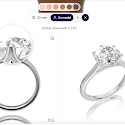
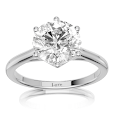
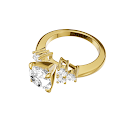
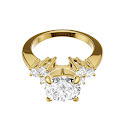
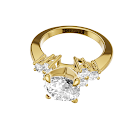
Photoreal 3D diamond ring

Drag to rotate

Your CAD file, rendered like a product photo

Drag the slider to compare. On the left is a CAD file as it is exported; on the right is the render the engine makes from it.

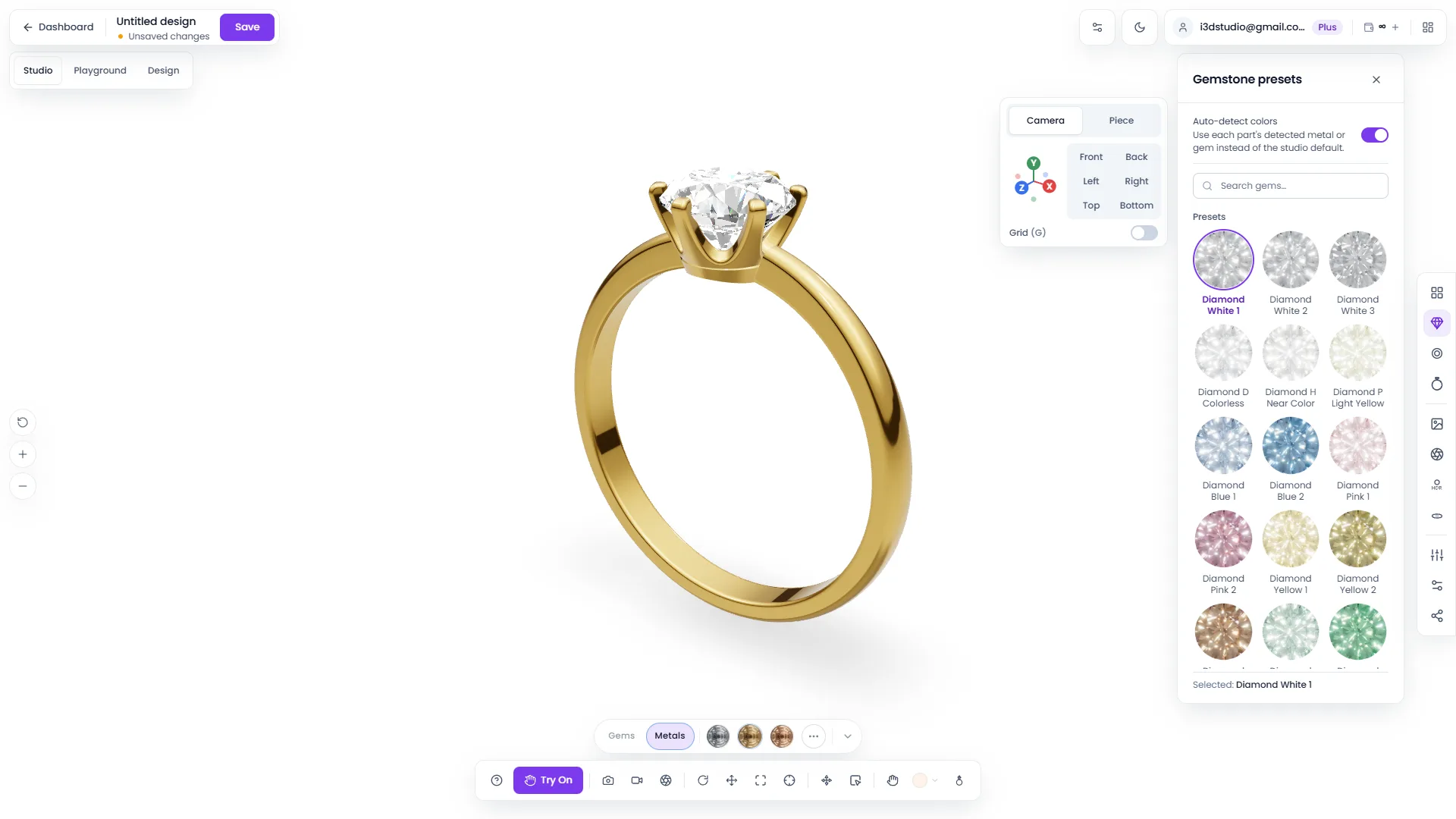
Metals, stones and prongs are detected from the file, and gems get real refraction and studio lighting by default.

Photoreal render
CAD design file
Your CAD fileWhat customers see

From CAD file to product page in three steps

The walkthrough video shows each step in the studio, from signing in to publishing your first embed.

  1. 1Upload or build

    Import your CAD file, pick a starter design, or assemble a ring from bands, settings and stones.

  2. 2Make it photoreal

    Materials are detected for you. Adjust metals, gems, lighting and background in the studio.

  3. 3Embed, share or sell

    Put the viewer on your product page, send a link, or let shoppers try the ring on in AR. Views and leads show up in your dashboard.

Product walkthrough preview

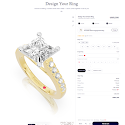
A ring builder for your product pages

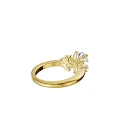
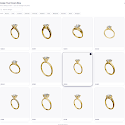
Shoppers choose a band, a head, a metal and a stone. The 3D ring and its price, the sum of its parts, update with each choice.

Shoppers try the ring on their own hand

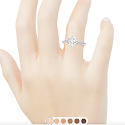
AR try-on runs in the phone's browser, so there is no app to install. It works three ways.

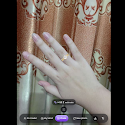
  • Live camera. The ring tracks the finger in real time and picks up the lighting and reflections of the room.

  • Photo upload. Shoppers upload a photo of their hand, adjust the fit and save a high-resolution image.

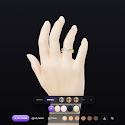
  • Model hand. A studio-quality preview on a photoreal hand, with no camera needed.

Try-on also estimates the ring size in US, UK and EU sizes, and camera frames stay in the shopper's browser.

Try on in AR in the studio
AR try-on on a phone: a diamond ring shown on a hand through the camera

Rendering, try-on, embeds and an API in one account

Studio

Photoreal gems and metals
Real diamond refraction and dispersion under studio lighting, with no render farm and no setup.
Your CAD files as they are
Metals, stones and prongs are detected from the file's layer and object names, and you can override any of them.
Stills, video and 3D files
Stills up to 4K, turntable video, multi-angle sets and 3D exports. Exports spend credits, so you pay for what you render.

Storefront and integrations

AR try-on
Shoppers see the ring on their own hand by live camera, photo upload or a model hand, with a ring-size estimate.
Embeds
One snippet puts the 3D viewer or the ring builder on your own site or your Shopify store.
REST and GraphQL API
Scoped API keys, an OpenAPI spec and a typed SDK for automating projects, renders and embeds.
  • 8 file formats
  • 115+ PBR materials
  • 100+ starter designs
  • 3 try-on modes
  • Stills up to 4K
  • Turntable video

How it compares

By category, against the usual alternatives: generic 3D viewers, try-on widgets and product photo shoots.

Capability3D Jewelry DesignerGeneric 3D viewersTry-on widgetsPhoto shoots
True diamond refraction and gem fireYesGeneric PBRNoStatic only
Jewelry material auto-detectionYesNoNoManual
AR try-on with ring-size estimateIncludedNoCore productNo
Ring builder and starter design libraryYesNoNoNo
Interactive embed, domain-lockedYesYesPartialNo
REST API and typed SDKYesPartialNoNo
Watermark-free renders and your own logo (paid plans)YesPartialEnterpriseYes
Free plan to startYesLimited trialDemo callNo

Compared by category as of 2026. Individual products in each category vary.

  • Camera frames never leave the shopper's browser
  • Billing through Stripe
  • Tenant isolation at the database layer
  • Jewelry stores and e-commerce brands

    Put an interactive viewer and AR try-on on every product page, in place of flat photos.

  • Designers and CAD artists

    Send clients a live 3D link instead of static renders, and save each version as a project.

  • Studios and agencies

    Manage client designs in one workspace and automate renders through the API.

Pricing

The Free plan includes the studio, AR try-on and 25 credits a month. Starter adds embeds and Pro adds the API. Viewing and embedding never use credits.

Free

Try the studio and AR try-on, no card needed

$0/mo
  • 25 credits a month
  • 5 projects
  • 1 seat
  • 100 MB uploads
  • Brand watermark on renders
  • No embeds
  • No API
Open the studio

Starter

For a single jeweler or shop

$19/mo
  • 250 credits a month
  • 50 projects
  • 2 seats
  • 100 MB uploads
  • Watermark-free renders
  • Embeds on your site or Shopify
  • No API
Choose Starter

Pro

For growing brands and stores

$49/mo
  • 1,500 credits a month
  • Unlimited projects
  • 5 seats
  • 250 MB uploads
  • Watermark-free renders
  • Embeds on your site or Shopify
  • Public API and SDK
Choose Pro

Studio

For studios and agencies

$149/mo
  • 6,000 credits a month
  • Unlimited projects
  • Unlimited seats
  • 500 MB uploads
  • Watermark-free renders
  • Embeds on your site or Shopify
  • Public API and SDK
Choose Studio
Compare plans and credit costs

Questions before you sign up

Yes. You sign up without a credit card. The Free plan includes 25 credits a month, 5 saved projects, the studio and AR try-on. You upgrade when you need embeds, the API or more credits.

See your own design in 3D

Open the studio, upload a CAD file and share the 3D view with a link.